Best lead generation tools, ranked by search price
B2B lead generation tools compared by what each searches, the filters it takes and its live price per result, read from the looot catalog.
The looot team · , updated · 12 min read
On this page
Lead generation tools build a list of companies and people that match your target, then add the contact details you need to reach them. The data side has three steps: search for companies, search for people at those companies, and find an email. Tools differ in the filters they accept and in what a search result costs.
This post compares lead generation tools for an agent that builds lists from filters. It covers looot, the gateway that calls the others, and eight providers from the looot catalog. It ranks the data side only. It does not cover sequencing or sending.
Lead generation tools: the short answer
No single tool does the whole job. Each bullet names one need.
- looot, best for running a company search, a people search and an email find through one connection.
- Anysite, best for LinkedIn people and company searches with filters such as job title, location and industry.
- Icypeas, best for searching its people and company datasets with a count call to size a query first.
- LeadMagic, best for listing the employees of a known company, or finding the person in a role.
- AI Ark, best for lookalike company search and people filters on a list of target accounts.
- TheCompaniesAPI, best for describing target companies in a plain-language prompt.
- Limadata, best for plain-English or structured filters on people and companies.
- Lusha, best for searching by title, seniority and department with a reveal step for contacts.
- FullEnrich, best for people and company filters in one provider.
| Provider | Searches | Filters it takes | Best for | Named drawback |
|---|---|---|---|---|
| looot | Any endpoint below | Whatever the endpoint takes | One connection | No web interface for building lists |
| Anysite | LinkedIn people and companies | Keywords, job title, company ids, location, industry, headcount | Wide LinkedIn searches | Company filters in people search need LinkedIn company ids, not names |
| Icypeas | People and companies | A query on person and company fields, page size up to 200 | Sizing a query with a count call first | Query format is its own |
| LeadMagic | Employees of a company, a person by role | Company domain or name, job title | Known target accounts | Company endpoint enriches one company, no filter search |
| AI Ark | Companies and people | Account filters, up to 5 lookalike domains, contact filters | Lookalike accounts | People results carry no email or phone |
| TheCompaniesAPI | Companies | A prompt, or a segmentation query | Plain-language target lists | Companies only, no people search |
| Limadata | People and companies | ai_prompt, filters or filter_expression | Plain-English filtering | Billed per ten records, minimum one credit |
| Lusha | People and companies | Title, seniority, department, location, size, revenue, technologies | Title and seniority filters | Search returns previews, contacts need a reveal |
| FullEnrich | People and companies | Domains, names, titles, seniority, locations, industries, headcount | Both searches in one place | At least one filter is required |
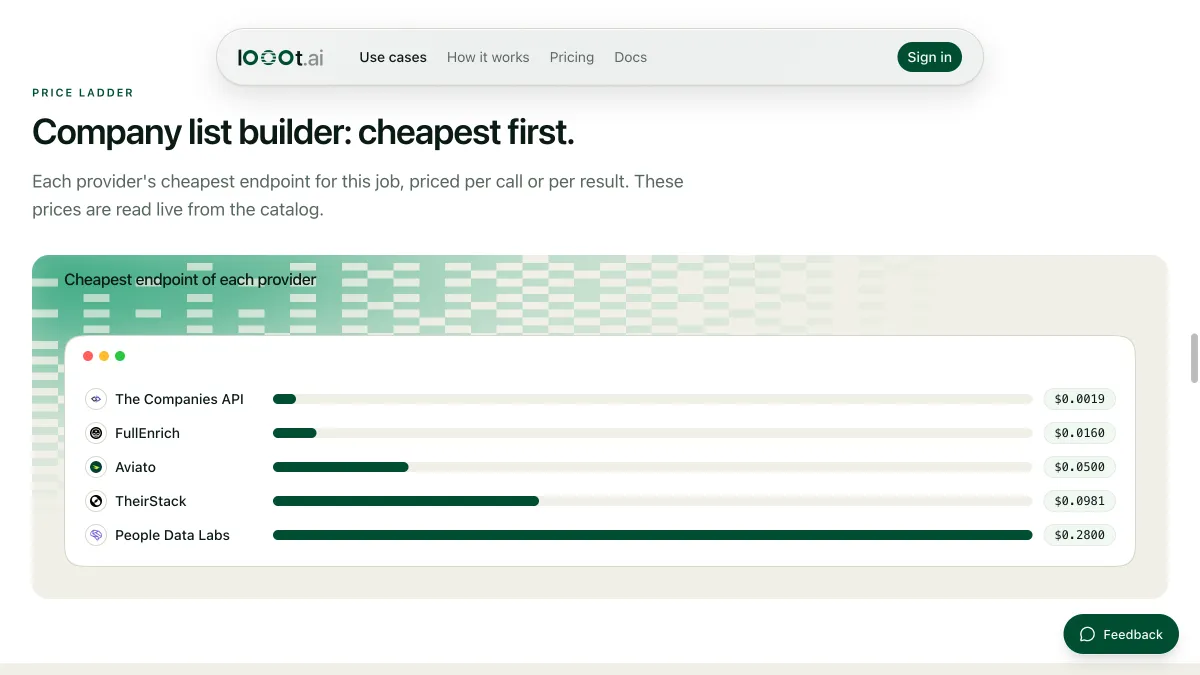
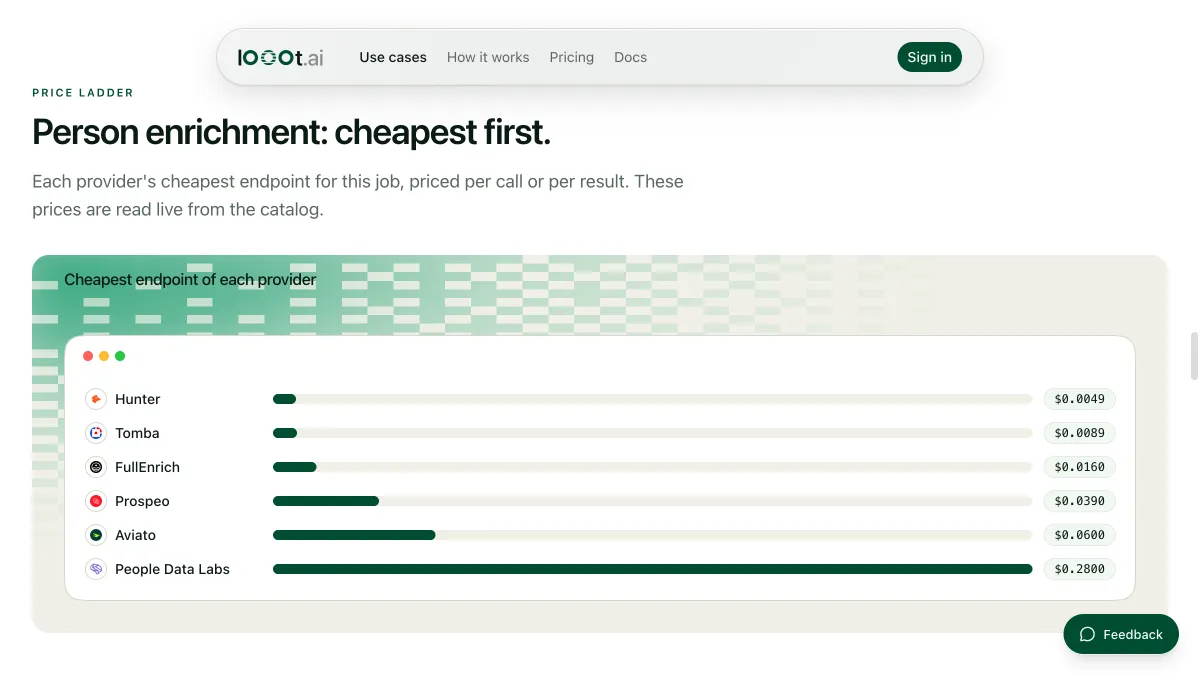
Prices are read from the catalog when the page loads, one row per provider.
How we ranked these lead generation tools
We read the public looot catalog on 2026-10-11. Each provider below has an endpoint tagged company_search or people_search. We ordered entries 2 to 9 by the price per result of the cheapest search endpoint a provider has, cheapest first. Search is billed per result or per page of results, so the real cost of a list depends on how many rows you pull and how tight your filters are.
looot is listed first because it is the way to call the others, and looot publishes this post, so discount that placement. We did not run these endpoints for this post. The catalog publishes no measured success rate for them, so we rank on none and quote none. We did not rank on database size or freshness, because we have no measure of either. Providers in the live catalog that are not in our provider snapshot are left out.
1. looot, best for one connection across the list-building steps
looot is a gateway. Your agent connects once with a token, searches the catalog for "search companies by filters", reads each endpoint's inputs and price, and runs the one you pick. It then feeds the company ids or domains from the first search into a people search, and the people into an email finder. Each call costs the price of the underlying endpoint, and the price shows before the call.
Best for
- Building a list across two providers without opening two accounts.
- Letting an agent stop at a budget before it pulls more rows.
Limits
- There is no web interface for building lists. You call it from an agent, the CLI or the API.
- You pay the underlying provider's price. looot adds no data of its own.
Does not fit someone who wants to filter by clicking in a browser.
2. Anysite, best for LinkedIn people and company searches

The endpoint anysite-api-linkedin-search-users searches LinkedIn members by keywords, job title, current and past company, location, industry, education and name. You send at least one filter. Filtering by company needs LinkedIn company ids, and location takes a plain name such as Netherlands. A sibling endpoint, anysite-api-linkedin-search-companies, searches companies by keywords, industry, location and employee count. Both bill per result.
Best for
- Wide searches by job title and location.
- A first pass at companies in an industry and size band.
Limits
- Company filters in the people search need ids, so you run the company search first.
Does not fit a list that must carry emails, since these searches list members and companies, not emails.
3. Icypeas, best for sizing a query first
The endpoint icypeas-find-people searches the Icypeas people dataset by filters on the person and on their current or past company. A query goes in, and pagination.size sets the page from 1 to 200. It returns leads with name, headline, address and last company details. icypeas-find-companies does the same for companies and returns address, description, employee growth and a revenue range. A count endpoint, icypeas-find-companies-count, tells you how many companies a query matches before you pay for them.
Best for
- Checking how many companies a segment holds before you pull it.
- Pages of up to 200 rows.
Limits
- The query uses the Icypeas format. Your agent has to read the endpoint inputs first.
Does not fit lists that need a plain-English filter.
4. LeadMagic, best for known target accounts
The endpoint leadmagic-people-employee-finder takes a company domain or name and a limit, and returns each employee with name, headline, job function and level, country and whether an email or mobile is known. The endpoint leadmagic-people-role-finder takes a job title plus a company and returns the person holding it, with name, profile URL and company. LeadMagic's company endpoint enriches one company and does not search by filters.
Best for
- An account list you already have, where you need the people.
- Finding the head of a function at a named company.
Limits
- It cannot build the company list. Pair it with another provider's company search.
Does not fit a job that starts from industry and size filters only.
5. AI Ark, best for lookalike accounts
The endpoint ai-ark-companies searches companies by account filters, and it takes up to five domains or LinkedIn company URLs as lookalikeDomains to find similar companies. ai-ark-people searches people by contact and company filters. The catalog says the people results carry no emails or phones, so you enrich them afterwards, and that each company result includes an id you can use in the people filter to reach exactly those companies.
Best for
- Starting from your five best customers and finding companies like them.
- Chaining a company search into a people search by id.
Limits
- People results carry no contact details. Add a finder step.
Does not fit a one-call list with emails included.
6. TheCompaniesAPI, best for plain-language company lists
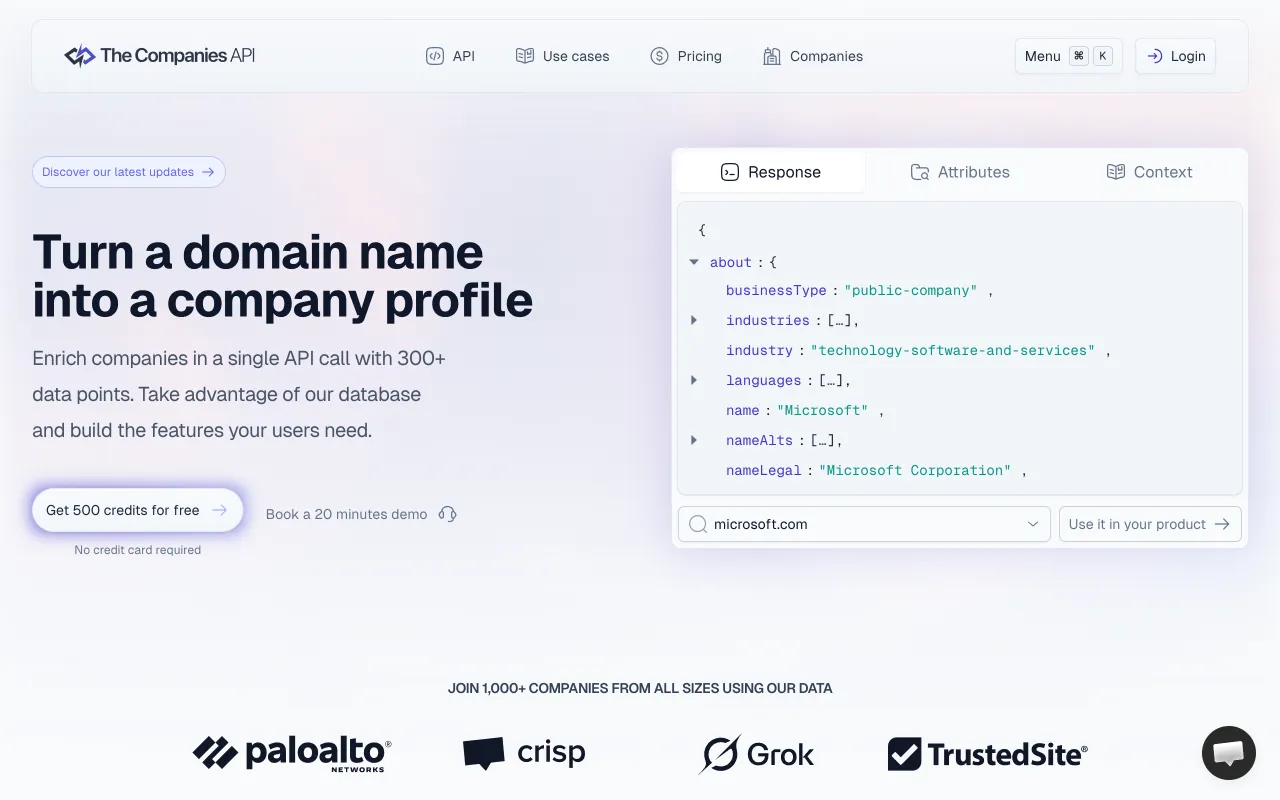
The endpoint thecompaniesapi-companies-by-prompt takes a prompt, with size and page, and returns companies that match. Similarity and sort fields refine it. Two more endpoints search by segmentation query. It has companies, not people, in this part of the catalog.
Best for
- A first draft of a target account list from one sentence.
- Agents that write the prompt from your ideal customer description.
Limits
- No people search. You need a second provider for contacts.
Does not fit a list of people at a role.
7. Limadata, best for plain-English filters
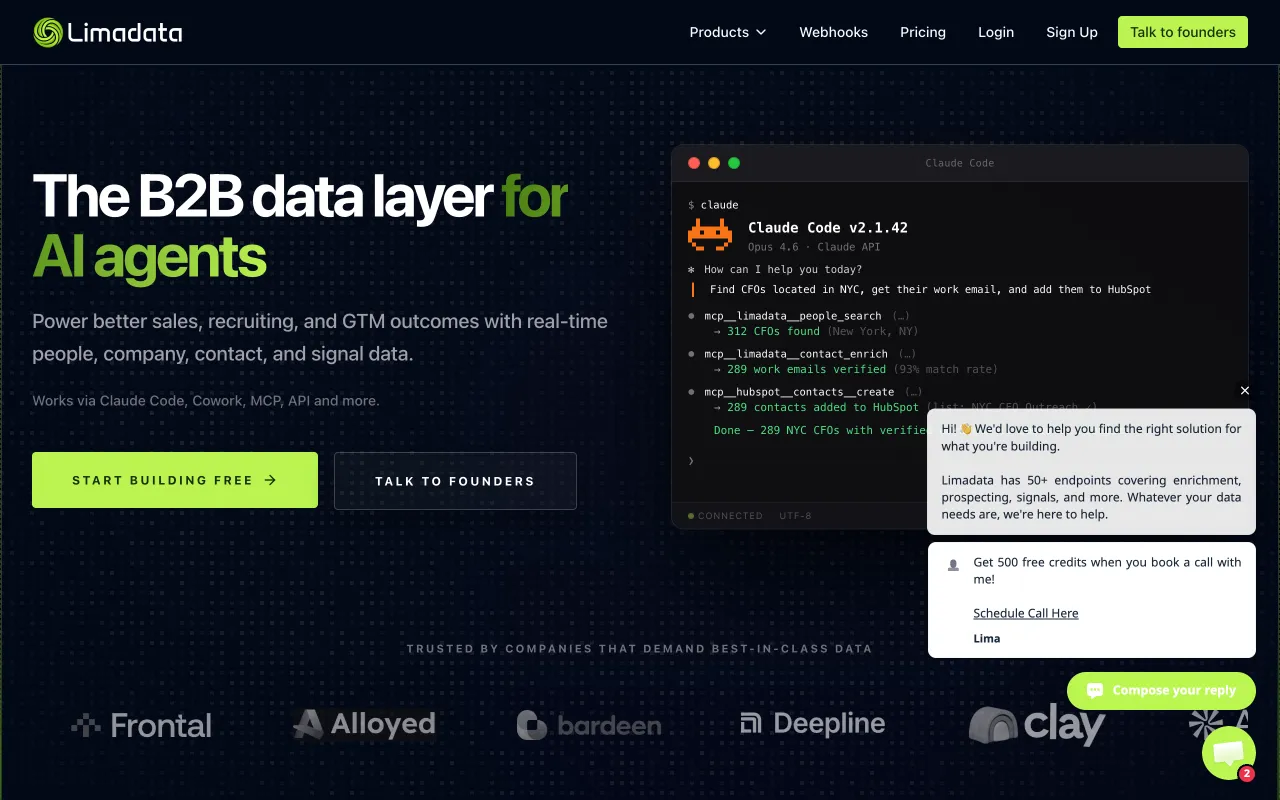
The endpoints limadata-api-database-search-people and limadata-api-database-search-companies take an ai_prompt in plain English, structured filters, or a filter_expression. limit defaults to 10 and offset pages the results. A third endpoint lists the employees of companies by domain or LinkedIn company URL, with job title keywords. The catalog says it charges one credit per ten records returned, with a minimum of one credit.
Best for
- Agents that can pass your request as a sentence.
- Small pulls of ten records at a time.
Limits
- A minimum charge applies to even a tiny pull.
Does not fit a very large export in one call.
8. Lusha, best for title and seniority filters
The endpoint lusha-contacts-prospecting searches by job title, seniority, department, location or company filters and returns contact ids and previews without emails or phones. pagination.size must be 10 to 100. You pass the ids to a reveal route for contact details. lusha-companies-prospecting searches by domain, size, revenue, industry ids, technologies, location, and SIC and NAICS codes. The catalog says a search costs one credit per 25 results.
Best for
- Role-based searches such as VP of sales in a region.
- Company searches by revenue or technology.
Limits
- A reveal step is a separate call with its own charge.
Does not fit a pipeline that needs the contact in the first call.
9. FullEnrich, best for both searches in one provider
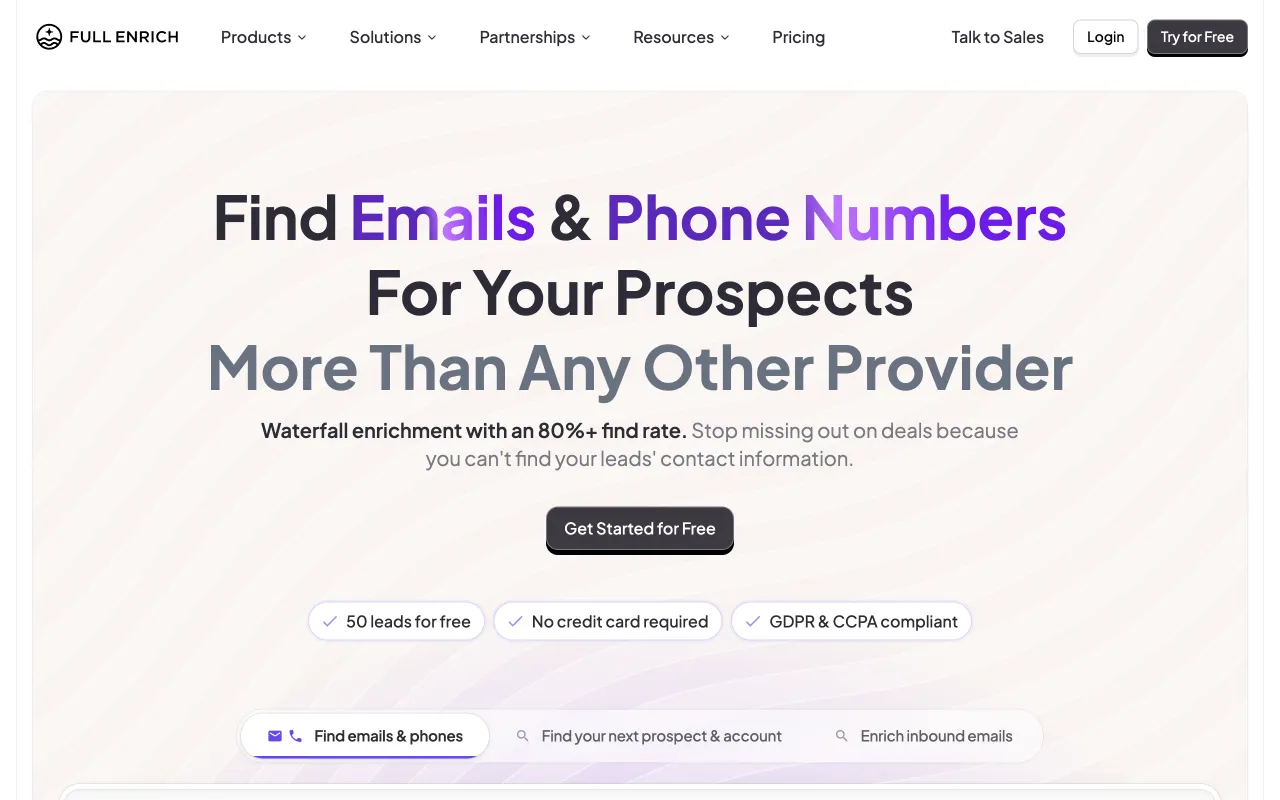
The endpoint fullenrich-api-people-search filters by company domains and names, titles, seniority level and person locations, and needs at least one filter. It is synchronous, and the catalog says already exported people are free to re-export. fullenrich-api-company-search filters by names, domains, industries, headquarters, headcounts, founded years and technologies.
Best for
- One provider for the company list and the people list.
- Re-pulling a list you already exported.
Limits
- The people search needs at least one filter, so you cannot ask for everyone.
Does not fit the lowest cost per row at large volumes.
How to choose
Do you start with companies or with people?
Start with companies if your target is defined by industry, size or technology. Use a company search from Anysite, Icypeas, AI Ark, TheCompaniesAPI, Limadata, Lusha or FullEnrich. Start with people if your target is defined by role. Use a people search, or LeadMagic's role finder for named accounts.
How many rows do you pull?
Search is billed per result. Ten rows is a rounding error. Ten thousand is a budget line. Size a query first where a provider offers a count endpoint, as Icypeas does. What 1,000 lookups cost shows how to work out a run.
Where do the emails come from?
Most searches return profiles, not emails. After the people search, run an email finder. The best email finder tools ranks them, and the best email verification tools ranks the check that follows.
| Your need | Pick | Why |
|---|---|---|
| Lookalikes of your best accounts | AI Ark | Takes up to five lookalike domains |
| Size a segment before paying | Icypeas | Has a company count endpoint |
| People at accounts you already have | LeadMagic | Employee finder by domain |
| A list from one sentence | TheCompaniesAPI or Limadata | Accept a prompt |
| Title and seniority filters | Lusha or FullEnrich | Both filter by seniority |
| Wide LinkedIn people search | Anysite | Filters by title, location and industry |
| Chain search and email in one run | looot | One connection and balance |
How to run this with an agent
- Connect your agent to looot once with the setup line in the prompt below.
- Describe your target in two sentences, with the industry, size band and the roles you want.
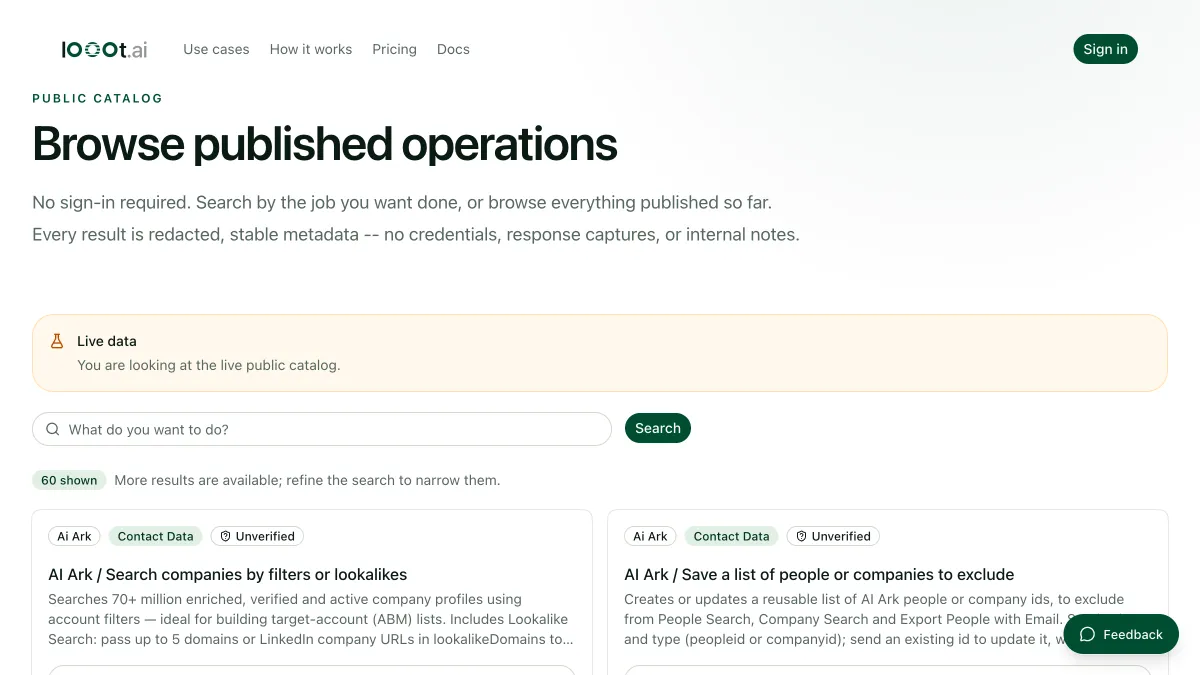
- Ask the agent to search the catalog for company search endpoints and show inputs and price.
- Let it pull twenty companies from the cheapest, then ten people from a people search for those companies.
- Look at the sample. If the rows are right, raise the limit and set a budget cap.
Prompt for your agent
Build a small lead list in three steps
A full run with real examples is on the company list builder page, and the CEO emails for fintechs recipe shows the same chain end to end.
What this post does not cover
It covers the data side of lead generation. It does not cover sequencing, sending, a CRM, or intent data bought from a third party. It makes no claim about how accurate or fresh any provider's database is. Refreshing a list on a timer needs scheduled runs, not available yet, so run it by hand.
Last checked 2026-10-11 against the public catalog at https://api.looot.ai/v1/public-catalog. Author: the looot team.
Questions
Keep reading
Best email finder tools, compared by what a miss costs
Email finder tools compared by input, output and live price per call, read from the looot catalog, with a note on which ones bill you when no email is found.
The looot team · · 13 min read
Best email verification tools, ranked by live price
Email verification tools compared by what each returns, the input it takes and its live price per call, read from the looot catalog. One address per call.
The looot team · · 11 min read
What 1,000 lookups cost: reading the looot catalog
How to work out the cost of 1,000 lookups from the live looot catalog, and why the cheapest provider is chosen per call instead of once per project.
Luisa · · 4 min read
Try it with the agent you already use
Start your workspace, top up, and paste one prompt into your agent.