Best MCP servers for sales and data work
Seven MCP servers for prospecting and web data, Apollo, Hunter, Firecrawl, Exa, Bright Data, Apify and looot, with how each signs in and its limit.
The looot team · · 13 min read
On this page
The best MCP servers for sales and data depend on the job. Apollo and Hunter cover prospecting. Firecrawl, Exa and Bright Data cover web data. Apify runs ready-made scrapers. looot is one MCP connection that reaches several of them. Pick by what the agent must return, then check how each server signs in and bills.
An MCP server lets an agent call a tool over a standard connection. For sales and data work that means finding people and companies, finding and checking emails, reading a web page, or searching the web. Each vendor below publishes its own server, and each makes different choices about sign-in, limits and cost. This post compares seven by what their own public pages and READMEs say, and names one limit for each.
MCP servers for sales and data: the short answer
Each bullet names one need.
- looot, best for one MCP connection that reaches many providers, with the price quoted before each call.
- Apollo, best for searching and enriching people and companies inside an Apollo account, and managing sequences.
- Hunter, best for finding and verifying emails from a domain.
- Firecrawl, best for turning pages into markdown, with a keyless free tier for scrape and search.
- Exa, best for web search and page fetch with clean content.
- Bright Data, best for web search, scraping and browser automation backed by a large web data vendor.
- Apify, best for finding and running ready-made Actors from a store.
| Server | What an agent can do | Sign-in on its page | Billing on its page | Named limit |
|---|---|---|---|---|
| looot | Search a catalog and run operations from many providers | Browser sign-in, or a bearer token for headless clients | Per call from a prepaid balance | No free trial credit |
| Apollo | Search, enrich, manage lists and sequences | OAuth, or a master API key | Your Apollo plan and credits apply | People search returns no email or phone |
| Hunter | Domain search, email finder, verifier, enrichment | API key header, or OAuth where supported | Included in all plans, uses your credits | No numbers for limits on the page |
| Firecrawl | Scrape, map, crawl, search, interact | None for the free tier, key or OAuth beyond it | Free tier, then pay as you go | Crawl, map and agent need a key |
| Exa | Web search and page fetch, optional agent | Anonymous with rate limits, OAuth or key to raise them | Not described on the repo page | Exa Agent needs authentication |
| Bright Data | Search, scrape, browser automation | API token | Free tier named, scraper runs bill per record | Batch tools take up to 10 inputs |
| Apify | Find, run and read Actors | OAuth or token | Usage on top of a plan | Up to 30 requests a second per user |
Prices change, so this post types none. The live tables read the looot catalog when the page loads.
How we compared these MCP servers
We opened each vendor's own documentation or README on 2026-10-12 and recorded what the server can do, how it signs in, what it says about cost and one stated limit. We did not install any server, connect it to an agent or run a tool call, so we make no claim about reliability, speed or output quality. Where a page gives no number, we say so and type none.
looot is listed first and looot publishes this post, so discount that placement. Entries 2 and 3 are sales servers, entries 4 to 7 are data servers, and inside each group the order is ours, not a measurement. looot also lists Hunter, Exa, Firecrawl, Apify and Bright Data among the providers on its MCP page, so five of the seven are ones looot can call. We left out community servers that wrap a vendor's API, since the vendor does not publish them.
1. looot, best for one connection to many providers
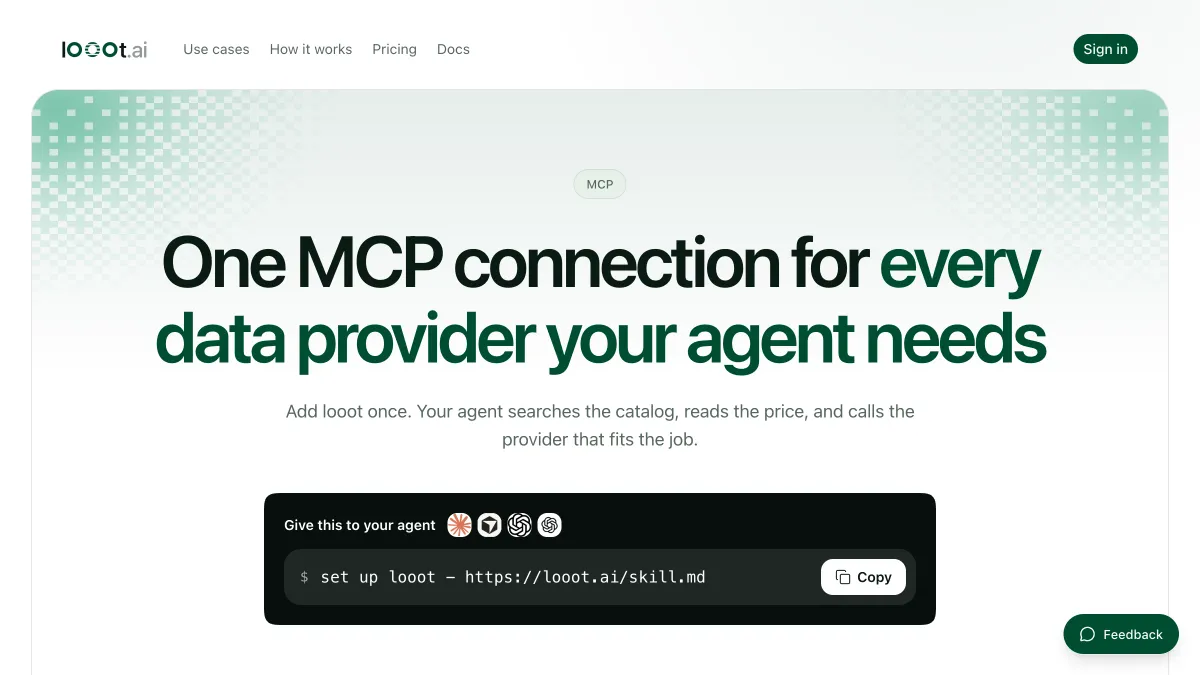
looot's MCP page describes one MCP connection for every data provider an agent needs. The agent searches the catalog by job, reads the inputs and the price and calls the provider that fits. Over MCP the agent signs in through the browser, and headless clients use a bearer token. Billing is per call from one prepaid balance.
Best for
- An agent that does prospecting and web research in one run and should see one bill.
- Comparing the price of the same job across providers.
Strengths
- One server entry in the client instead of one per vendor.
- The price is quoted before the call, and a failed call is not charged, per looot's own pages.
Limits
- No free trial credit. You top up before the first run.
- Scheduled runs are not available yet, so a recurring job runs by hand.
- Acting inside your CRM or sending as a rep is not what the catalog is for. Use the vendor's own server for that.
Does not fit a team that wants a tool bound to its own Apollo or HubSpot seat.
2. Apollo, best for prospecting inside an Apollo account
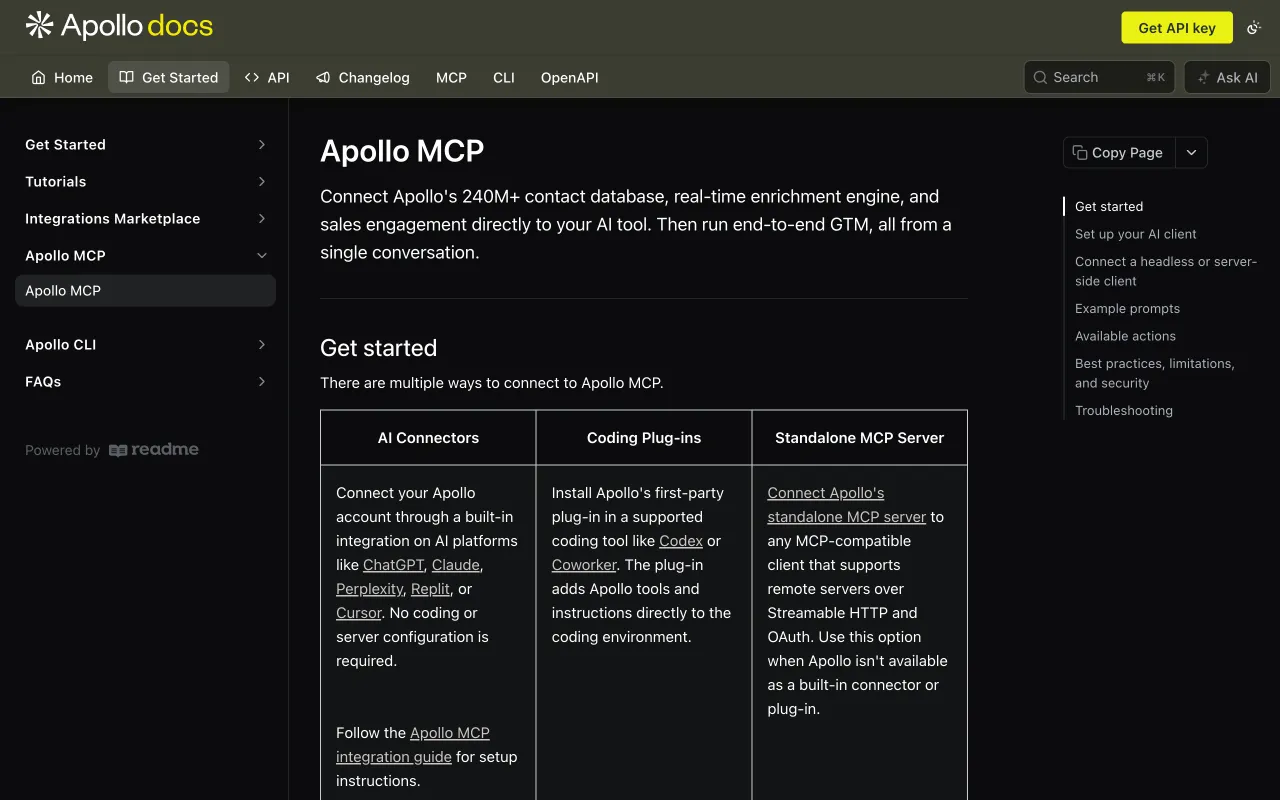
Apollo's docs say the MCP connects its contact database, enrichment and sales engagement tools to an AI client. There are built-in connectors in ChatGPT, Claude, Perplexity, Replit and Cursor, a plug-in for coding tools and a standalone server at mcp.apollo.io over Streamable HTTP. An agent can search people and companies, enrich them, create and update contacts, manage lists, send one-off emails and work with sequences.
Best for
- Reps and agents that already have an Apollo account.
- Moving from a search to an enriched contact to a sequence in one conversation.
Strengths
- OAuth sign-in limits access to the user who authorizes it, per the docs.
- Apollo recommends setting credit-consuming actions to "Approval required".
Limits
- People search results do not include emails or phone numbers. You run enrichment for those, and enrichment uses credits.
- Free accounts registered with a personal email cannot use people or company search, enrichment or related actions, per the docs.
Does not fit someone without an Apollo account. See the Apollo alternatives page on looot for the catalog view.
3. Hunter, best for emails from a domain
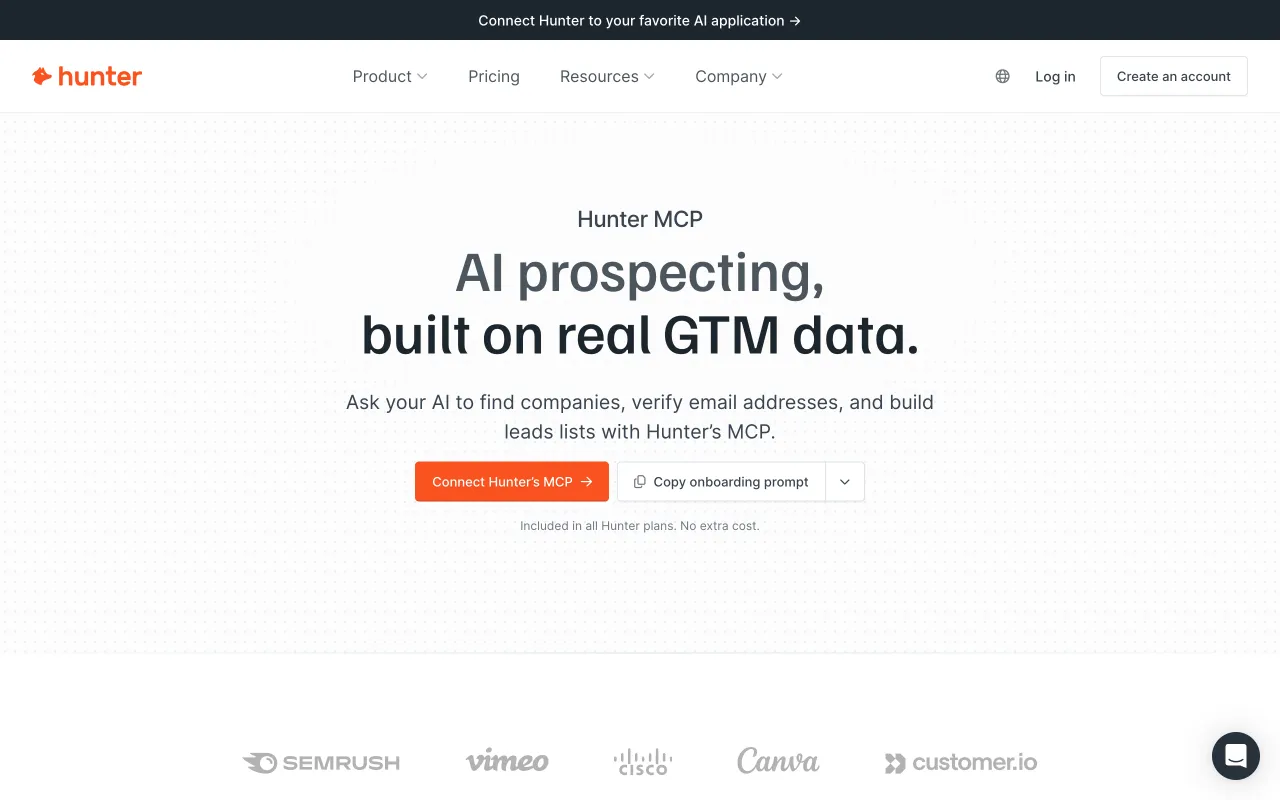
Hunter's MCP page describes its official remote server at mcp.hunter.io. The agent can discover companies, search contacts by domain, find a person's email, verify an email with a confidence score, enrich a company or person and manage leads. You pass your API key in a header or use one-click OAuth where the client supports it. The page says it is included in all Hunter plans at no extra cost.
Best for
- Finding and checking a work email for a named person.
- Building a lead list from a company domain.
Strengths
- The page says it works with all plans, including free accounts.
- Verify and find sit in the same server.
Limits
- Usage draws on your existing credits and request limits, and the page gives no numbers.
- It covers email and company data, not web pages.
Does not fit a job that needs page content or search results.
4. Firecrawl, best for pages as markdown
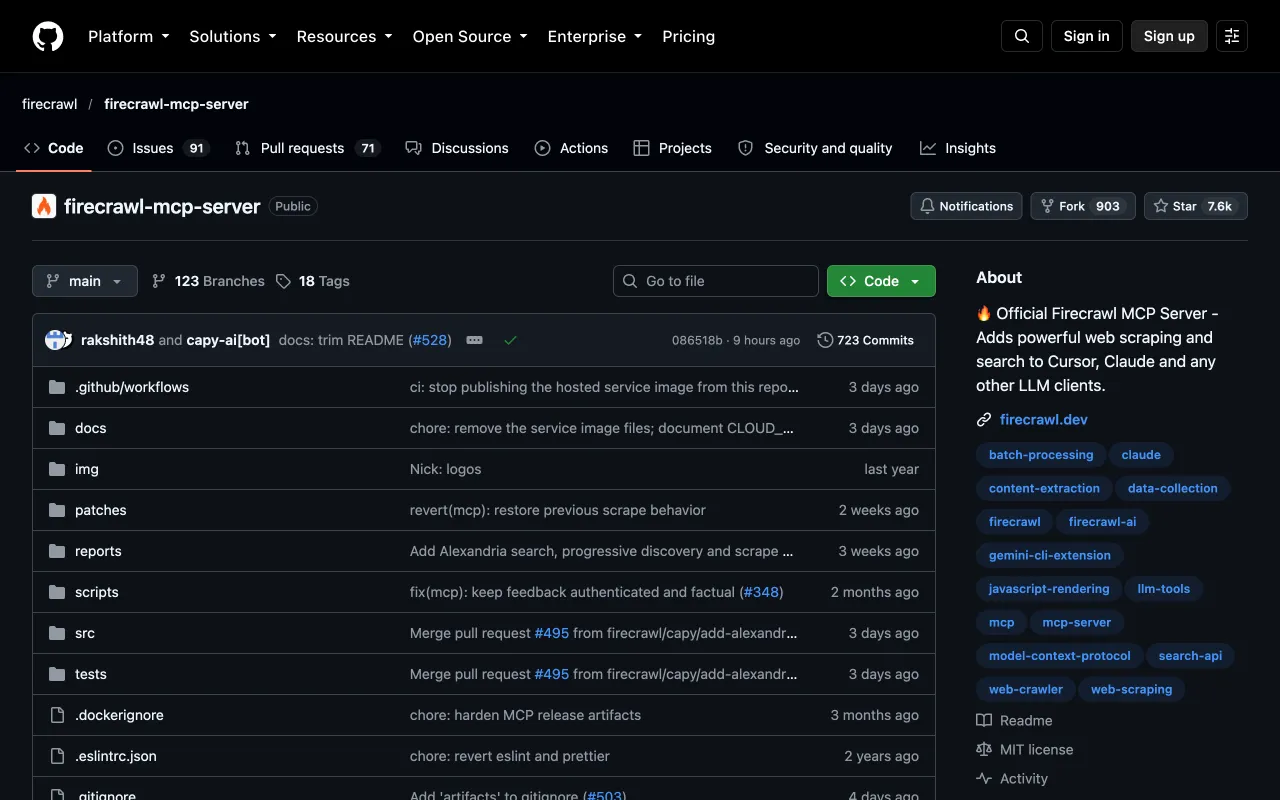
The Firecrawl README describes an MCP server that lets an agent search, scrape and interact with the live web. Tools include scrape, map, crawl, search, interact, agent and parse. The hosted server works without a key for scrape, search and parse on a rate-limited free tier. The server is MIT licensed and can also run locally or in Docker.
Best for
- Turning a page into markdown or JSON for a model.
- Mapping a site, then crawling selected pages.
Strengths
- Keyless start on the hosted server.
- The README says to prefer OAuth or an API key whenever a human can sign up.
Limits
- Crawl, map and agent need a key on the keyless tier.
- Crawl responses can be very large and may exceed token limits, so set limits, per the README.
Does not fit a search-only job. See the Firecrawl page on looot for what an agent can call.
5. Exa, best for web search with clean content
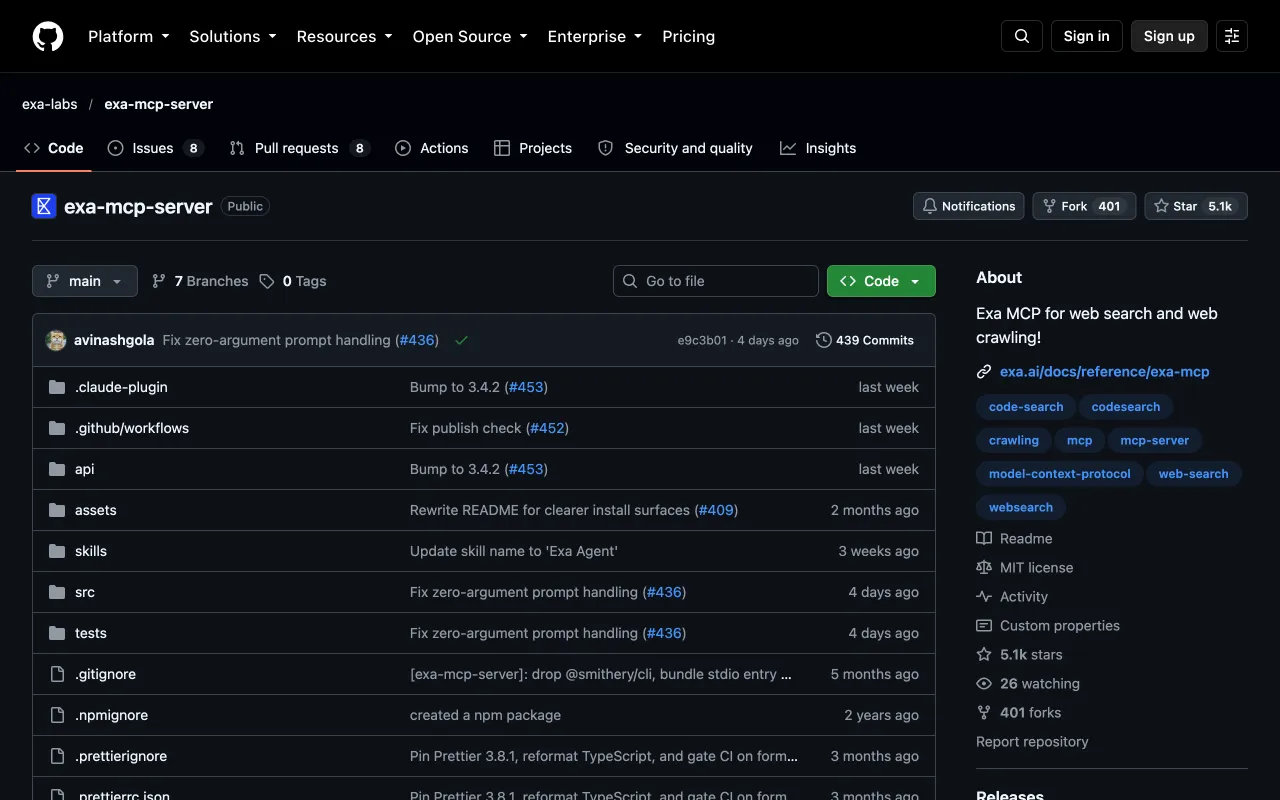
The Exa README describes an MCP server for web search, content fetching and multi-step research, under the MIT license. By default it offers a web search tool that returns clean content and a fetch tool that returns a page as markdown. An agent run tool and an advanced search with filters are optional. The hosted endpoint works anonymously but is rate limited, and OAuth or an API key raises the limits.
Best for
- An agent that searches the web and reads the top pages.
- Research with domain and date filters, using the advanced tool.
Strengths
- Works anonymously to start.
- Keys can go in a URL parameter or a header.
Limits
- Exa Agent requires authentication.
- The README gives no rate-limit numbers.
Does not fit a job that needs contact data. See the Exa page on looot for the catalog operation.
6. Bright Data, best for search, scraping and browser automation
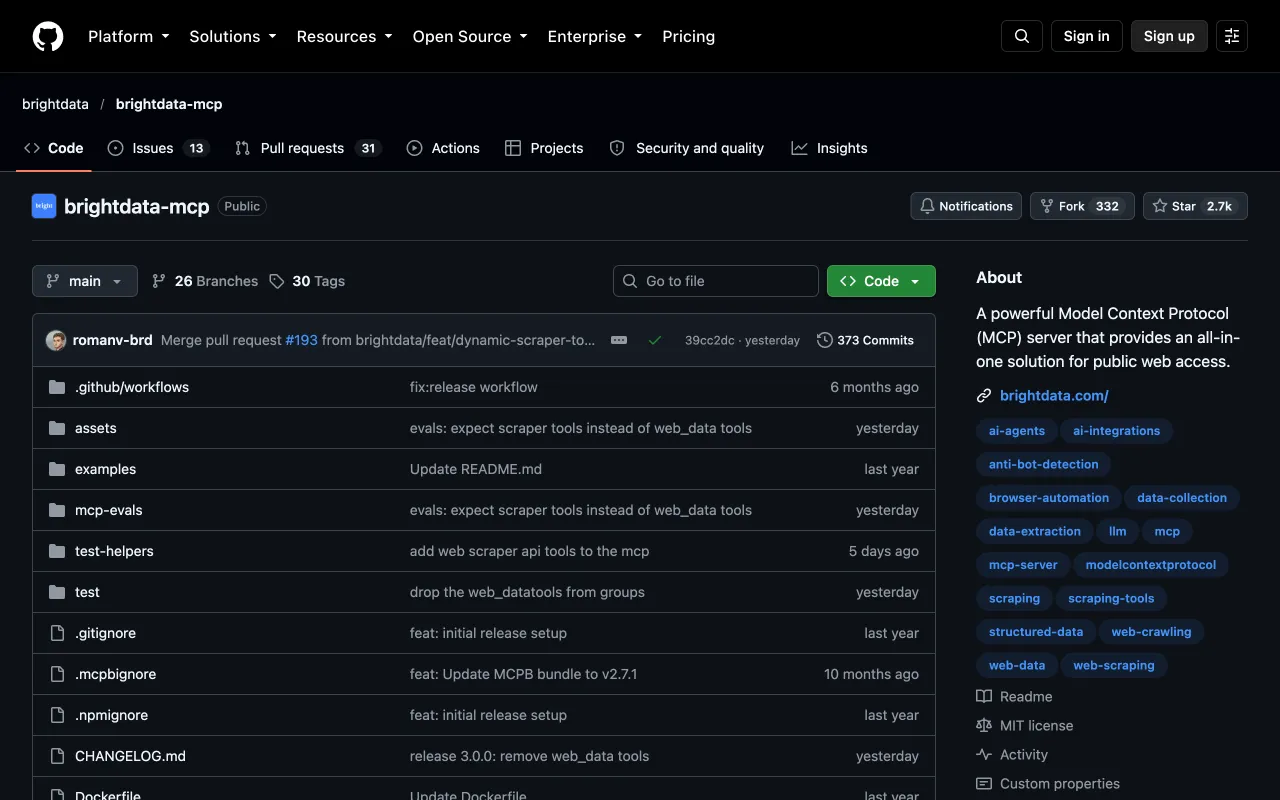
The Bright Data README describes an MIT-licensed MCP server for web search, page scraping, structured extraction and browser automation. It lists search tools, page-to-markdown scraping, pre-built scrapers for platforms such as Amazon and LinkedIn and browser tools for navigating and clicking. The hosted server takes your API token in the URL, and you can also run it locally with npx.
Best for
- Scraping platforms that block simple fetches.
- Browser steps such as clicking and typing on a remote browser.
Strengths
- Setup instructions for Claude Desktop, Claude Code, Cursor, VS Code and others.
- A content gate pauses and asks before returning text that looks like instructions to change the MCP configuration, though browser tools are not covered.
Limits
- Batch tools take up to 10 URLs or queries per call, and scraper runs are billed per record returned.
- The README suggests raising client timeouts for complex sites.
Does not fit a quick, single-page text fetch. A lighter tool does that.
7. Apify, best for ready-made Actors
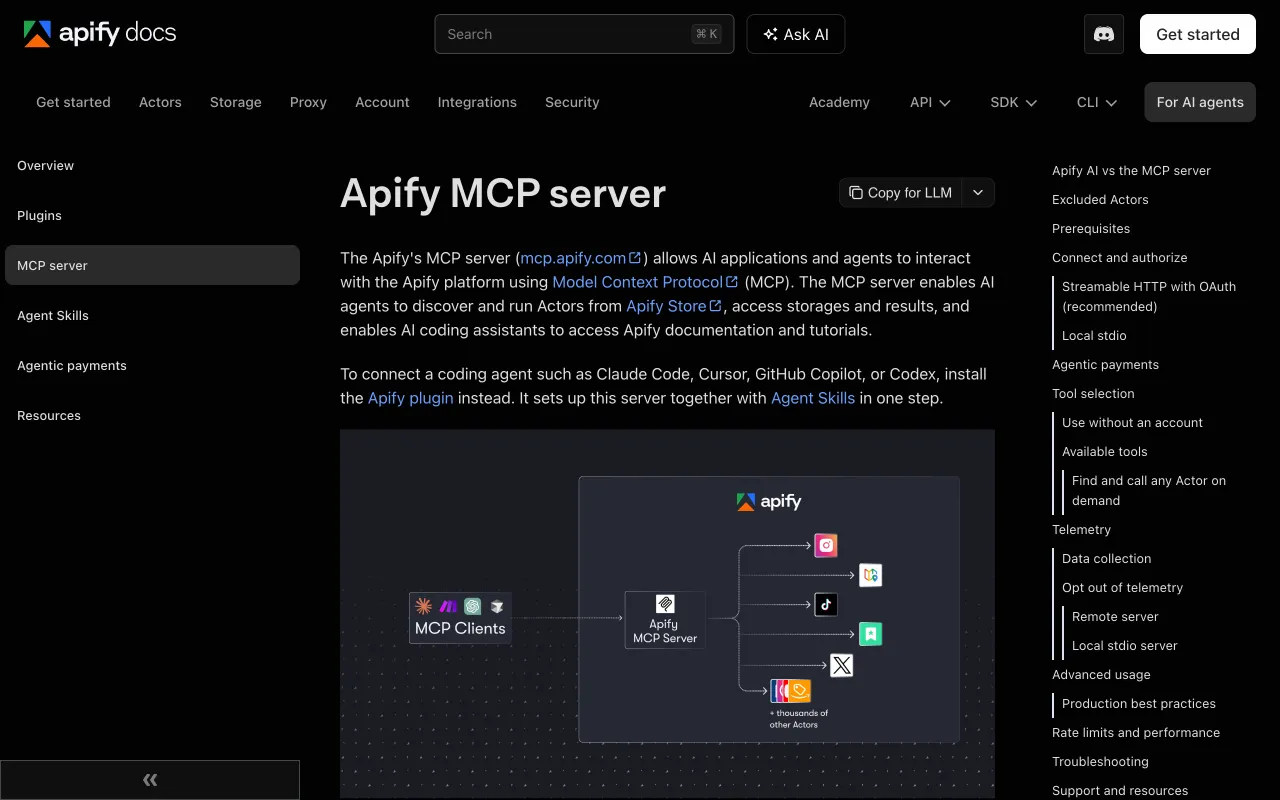
Apify's docs describe a hosted MCP server at mcp.apify.com. The agent finds Actors with a search tool, reads an Actor's inputs and pricing, starts it with a call tool that waits up to 45 seconds and returns a run status, and reads the output from a dataset in a second call. OAuth through the browser is the recommended sign-in, and four discovery and docs tools work without an account.
Best for
- Getting data from a site that already has a maintained Actor.
- An agent that should discover tools by describing the job.
Strengths
- Actor pricing is readable before a run.
- A local server is available for clients without remote MCP.
Limits
- Up to 30 requests per second per user, and an excess returns a 429, per the docs.
- Full-permission and rental Actors are not available through the server.
Does not fit a job that needs one fixed input shape across vendors. See the Apify page on looot for the operation looot calls.
How to choose
Is the job prospecting or web data?
For people and companies, use Apollo or Hunter if you already hold an account, or looot if you want to compare providers. For pages and search, use Firecrawl, Exa or Bright Data. For a named site, check Apify first. What an MCP server is explains the basics, and MCP servers for data work in Claude covers the setup.
One server or many?
Each vendor's own server gives you its latest features and your own account. One connection to a catalog gives you fewer entries to configure and one bill. Teams often use one vendor server for the tool they pay for and a catalog connection for the rest.
How much do tokens matter?
Every server adds tool descriptions to the model's context. Connect only the ones the job needs. The MCP gateway post covers how a gateway keeps the list short.
| Your need | Pick | Why |
|---|---|---|
| Search and enrich inside your Apollo account | Apollo | Contacts, lists and sequences |
| Find and verify an email | Hunter | Finder and verifier in one server |
| Pages as markdown | Firecrawl | Keyless free tier for scrape |
| Web search with fetched content | Exa | Search and fetch tools |
| Blocked platforms and browser steps | Bright Data | Scrapers and browser tools |
| A named site with a maintained scraper | Apify | Actors, with pricing readable first |
| Many providers, one bill | looot | One connection, price quoted first |
How to run this with an agent
- Connect your agent to looot once with the setup line in the prompt below.
- Name the sales job in plain words, such as "find the work email of the head of sales at a company".
- Ask the agent to list the operations that match and their prices before it calls any.
- Run the cheapest on one real person and read the result.
- Add a vendor's own server only for the tool you already pay for.
Prompt for your agent
Run a sales lookup through one connection
What this post does not cover
It compares seven servers by what their documentation says. It does not install them, measure speed or output quality, or cover community servers that wrap a vendor's API. It leaves out CRM servers and servers for sending email. A recurring job needs scheduled runs, which looot does not offer yet, so run it by hand.
Last checked 2026-10-12 against each vendor's documentation or README and the public looot catalog at https://api.looot.ai/v1/public-catalog. Author: the looot team.
Questions
Keep reading
What is an MCP server? A plain explanation
An MCP server gives an AI agent tools it can call. What a tool call looks like, and how one connection can reach many providers.
Walid Boulanouar · · 5 min read
Claude MCP servers for data work: how to add and vet them
How to add MCP servers to Claude Code for search, scraping, SEO and enrichment data, what to check before you trust one, and how to keep the tool list short.
The looot team · · 7 min read
MCP gateway: what it does and when an agent needs one
An MCP gateway puts many tools behind one connection, one login and one bill. How it works, when you need one, and what looot's gateway does.
The looot team · · 7 min read
Try it with the agent you already use
Start your workspace, top up, and paste one prompt into your agent.