Apify alternatives for AI agents, five compared
Firecrawl, Bright Data, Zyte, ScrapingBee and looot compared as Apify alternatives, by what the agent gets back, how each bills and the limit of each.
The looot team · · 11 min read
On this page
The best Apify alternative depends on what you scrape. Firecrawl returns clean markdown for AI, Bright Data sells datasets and scraper endpoints, Zyte bills on success, ScrapingBee sells a scraping API on subscription tiers, and looot calls several of them from one balance. Apify's own strength is its marketplace of ready-made Actors.
Apify describes itself as a marketplace of ready-to-run tools for AI that automate work on the web. That is a good fit when an Actor already exists for your target site. It is a worse fit when you want one predictable request for any page, when you want to pay for a result and not for compute, or when you want your agent to compare vendors before it spends. This post compares five alternatives on those three points, using each vendor's own public page, and states a limit for each.
Apify alternatives: the short answer
Each bullet names one need.
- looot, best for calling Firecrawl, Bright Data, Zyte and other scrapers from one token and one balance, with the price quoted first.
- Firecrawl, best for turning a page or a whole site into clean markdown or JSON for a model.
- Bright Data, best for large platforms, datasets and proxy-backed access.
- Zyte, best for one API across easy and hard sites, billed on success.
- ScrapingBee, best for a plain scraping API with JavaScript rendering and a free trial.
| Alternative | What the agent gets back | Billing as the vendor's page states it | MCP | Named limit |
|---|---|---|---|---|
| looot | The output of whichever provider operation it runs | Per call from a prepaid balance, quoted first | Yes | No free trial credit |
| Firecrawl | Markdown, JSON, screenshots, search results | Pay-as-you-go for self-serve, with a spend cap you can set | Official server | Pages that return an error status are still billed |
| Bright Data | Scraped records, datasets, proxy access | Not described on the homepage | Server on GitHub | Scraper runs bill per record returned, per its README |
| Zyte | Page data from its API | Billed on success | Server listed | Pricing details are on a separate page |
| ScrapingBee | HTML, markdown or structured JSON | Subscription tiers with an allotment of credits | Server listed | Higher concurrency needs a custom plan |
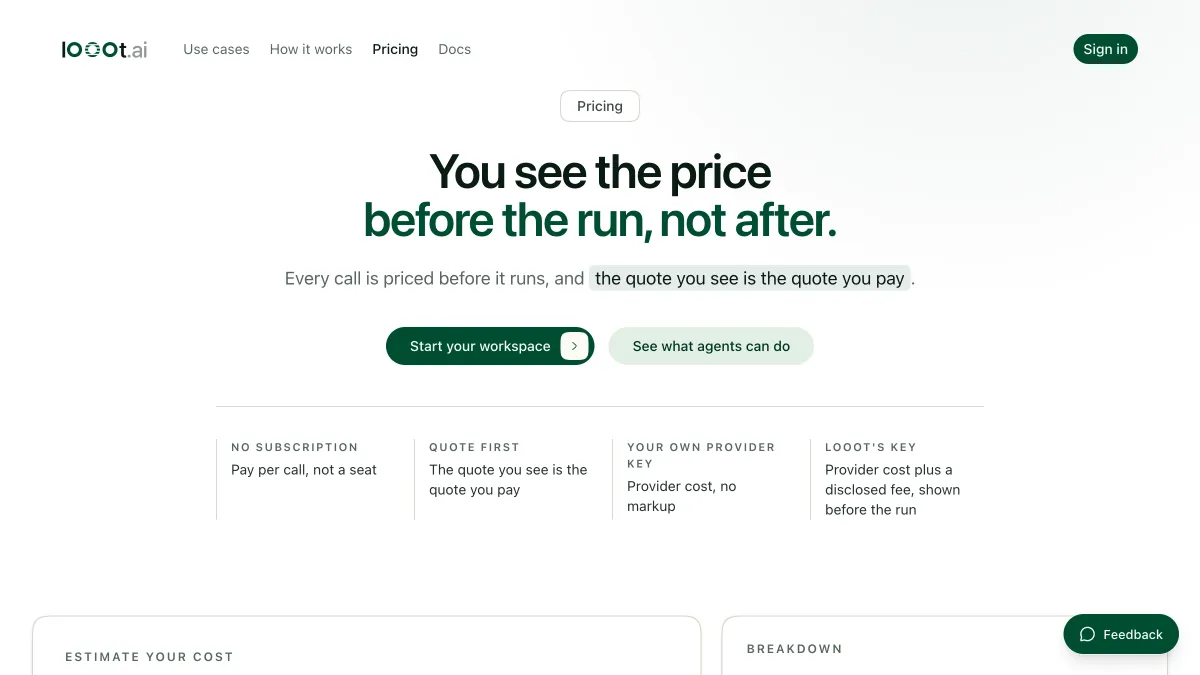
Prices change, so this post types none. The live tables below read the looot catalog when the page loads, for the scraping operations looot can call.
How we compared these alternatives
We opened each vendor's public page on 2026-10-12 and wrote down what it says about what comes back, how it bills and whether it offers an MCP server. Where a page is silent, the table says so. We did not run a scrape on any of these for this post, so we make no claim about success rate, speed or price. Read the live tables for the looot side and each vendor's pricing page for the rest.
looot is listed first and looot publishes this post, so discount that placement. looot also lists Apify, Firecrawl, Bright Data and Zyte among the providers on its MCP page, so four of the vendors here are ones looot can call. Entries 2 to 5 are ordered by how directly each fits an agent that reads pages for a model, a judgment from the pages and not a measurement. We left out proxy-only vendors and no-code scraping apps.
1. looot, best for comparing scrapers before you spend
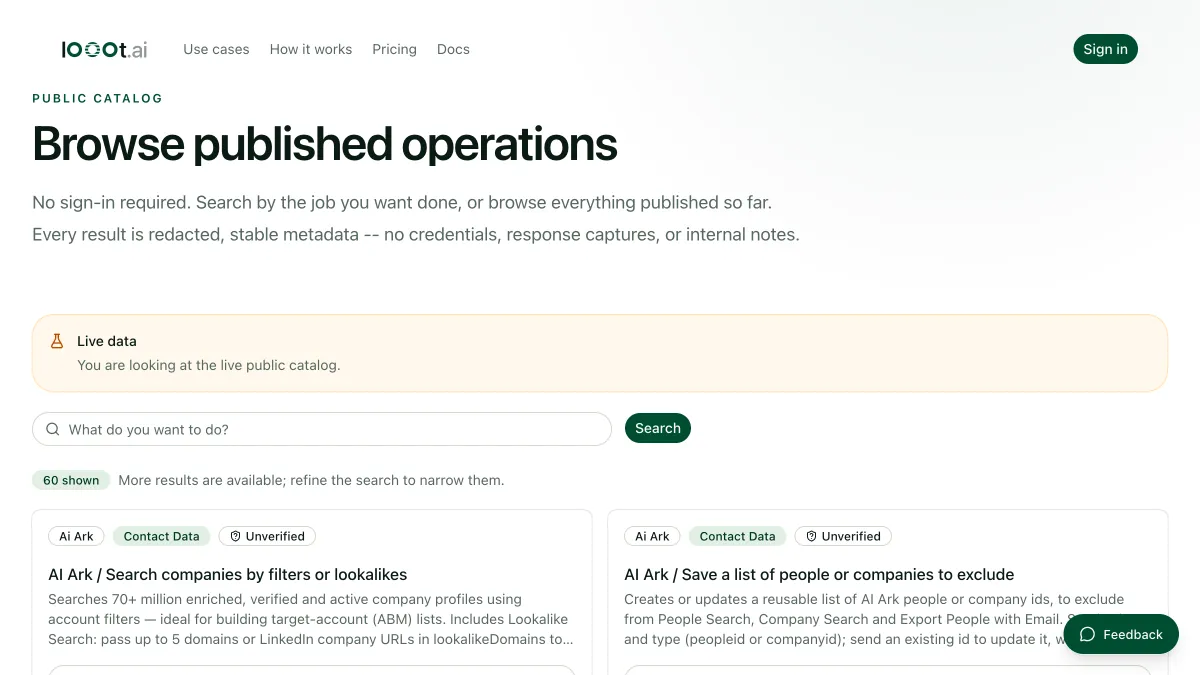
looot is a catalog of paid data and scraping operations. Its MCP page lists Apify, Firecrawl, Bright Data and Zyte among the providers behind one connection. The agent searches by job, such as scrape a page to markdown, reads the inputs and the quoted price of each provider and runs the one it picks, from one prepaid balance.
Best for
- Trying two scrapers on the same URL and paying only for what ran.
- An agent that mixes scraping with search and enrichment.
Strengths
- One token and one balance across providers.
- A failed call is not charged, per looot's own how-it-works page.
Limits
- There is no free trial credit. You top up before the first run.
- Scheduled runs are not available yet, so a recurring crawl runs by hand.
- You get the provider's output as the provider returns it. looot has no scraper of its own.
Does not fit a team that needs a marketplace of site-specific Actors to browse.
2. Firecrawl, best for clean markdown for a model
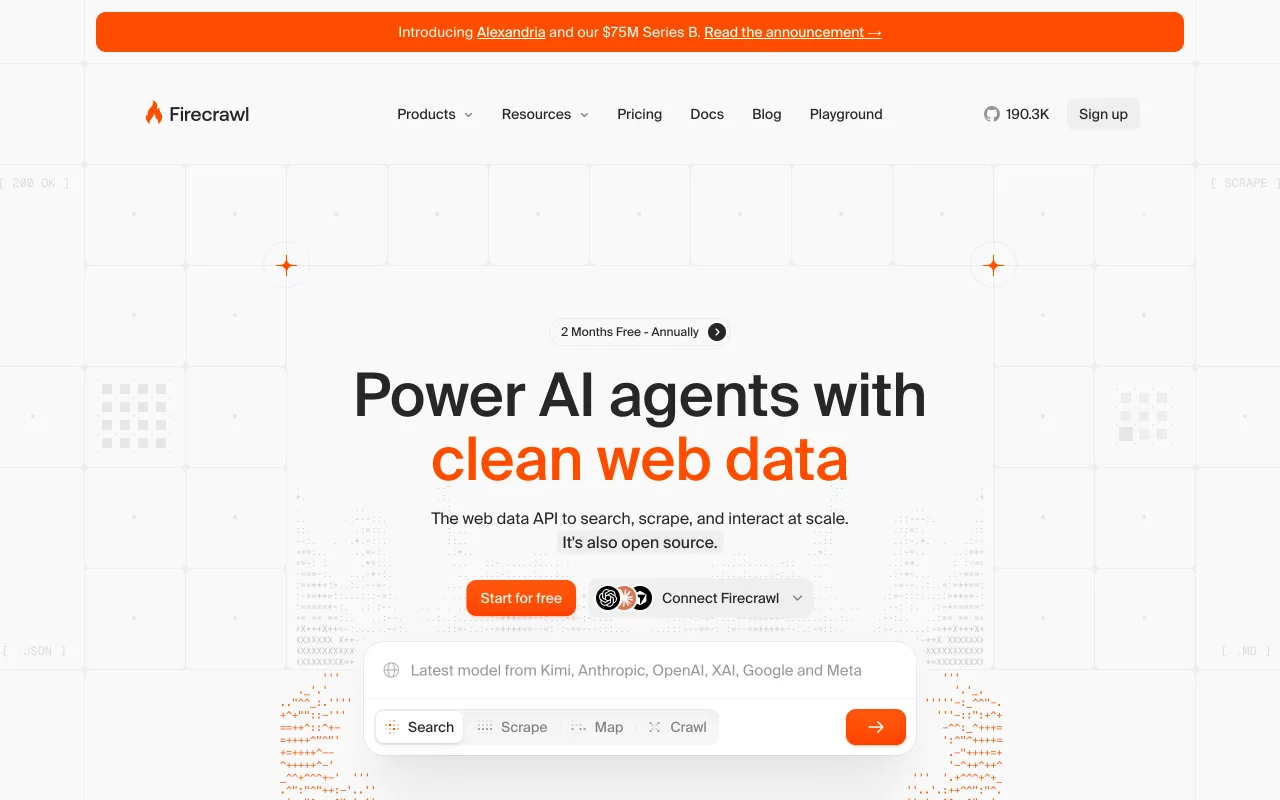
Firecrawl calls itself the web data API to search, scrape and interact with the web. Its page lists search, scrape, crawl and map endpoints, plus interact and an agent endpoint that is marked as a preview. Scrape returns markdown, JSON or a screenshot. It has an official MCP server, a command-line tool and agent skills. The homepage says the project is open source.
Best for
- Giving a model the clean text of a page or a whole site.
- One search-then-scrape loop in a single vendor.
Strengths
- Self-serve billing is pay-as-you-go, and you can set a spend cap, per its FAQ.
- A scrape that returns no result is not charged, the FAQ says.
Limits
- Pages that return an error status are still billed, per the FAQ.
- Credits roll over only on the Scale and Enterprise plans.
Does not fit a job that needs a ready-made scraper for one named platform. See the Firecrawl page on looot for what an agent can call.
3. Bright Data, best for large platforms and datasets
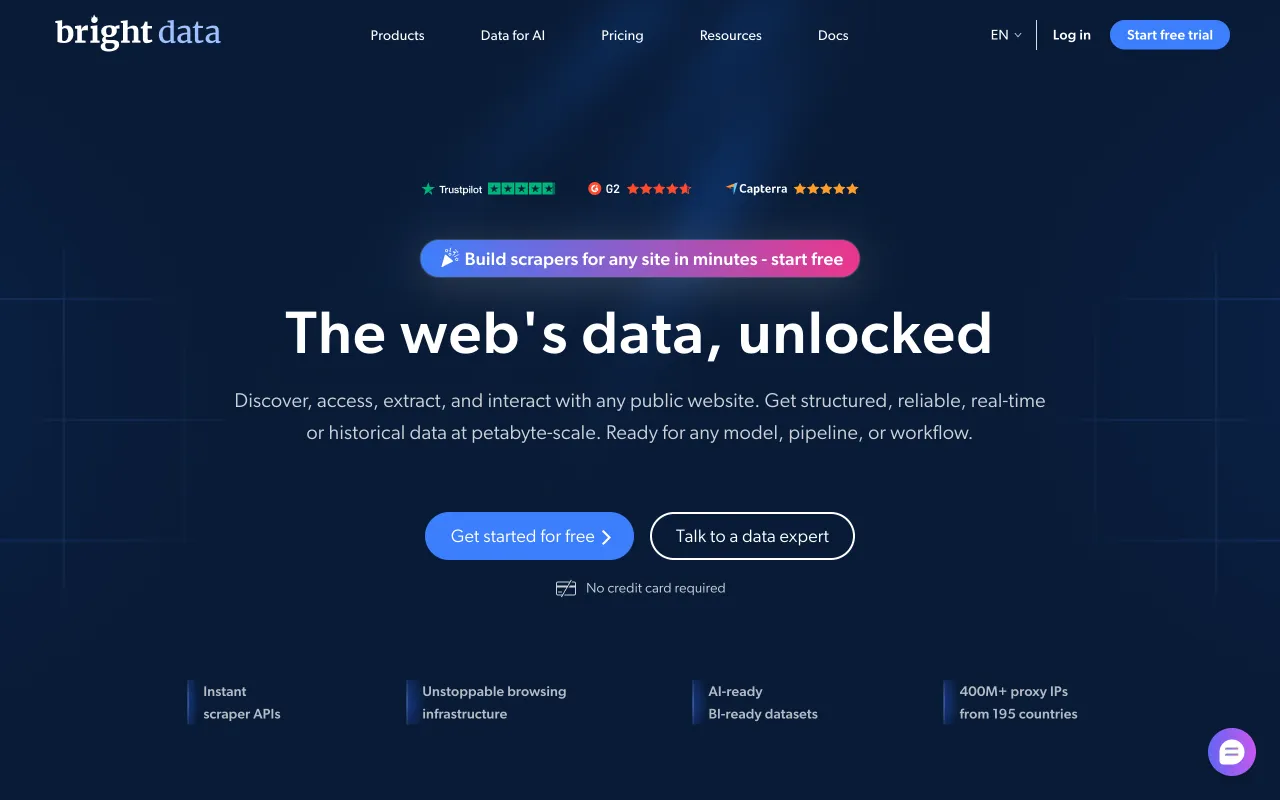
Bright Data describes itself as web data infrastructure for humans and AI agents. Its page lists Scraper APIs with pre-built or custom-made endpoints, a Dataset Marketplace, web access APIs such as an unlocker, a SERP API, a browser API and a crawl API, and proxy infrastructure. Its GitHub README describes an MIT-licensed MCP server for search, page scraping and browser automation.
Best for
- Pre-built scrapers for large platforms.
- A dataset you buy instead of scraping.
Strengths
- One vendor for scrapers, datasets, browsers and proxies.
- A free start with no credit card, per its homepage.
Limits
- The homepage does not describe a billing model. The README says scraper runs are billed per record returned.
- The MCP README lists batch tools that take up to 10 URLs or queries per call.
Does not fit a small job where a plain page-to-markdown call is enough.
4. Zyte, best for one API across easy and hard sites
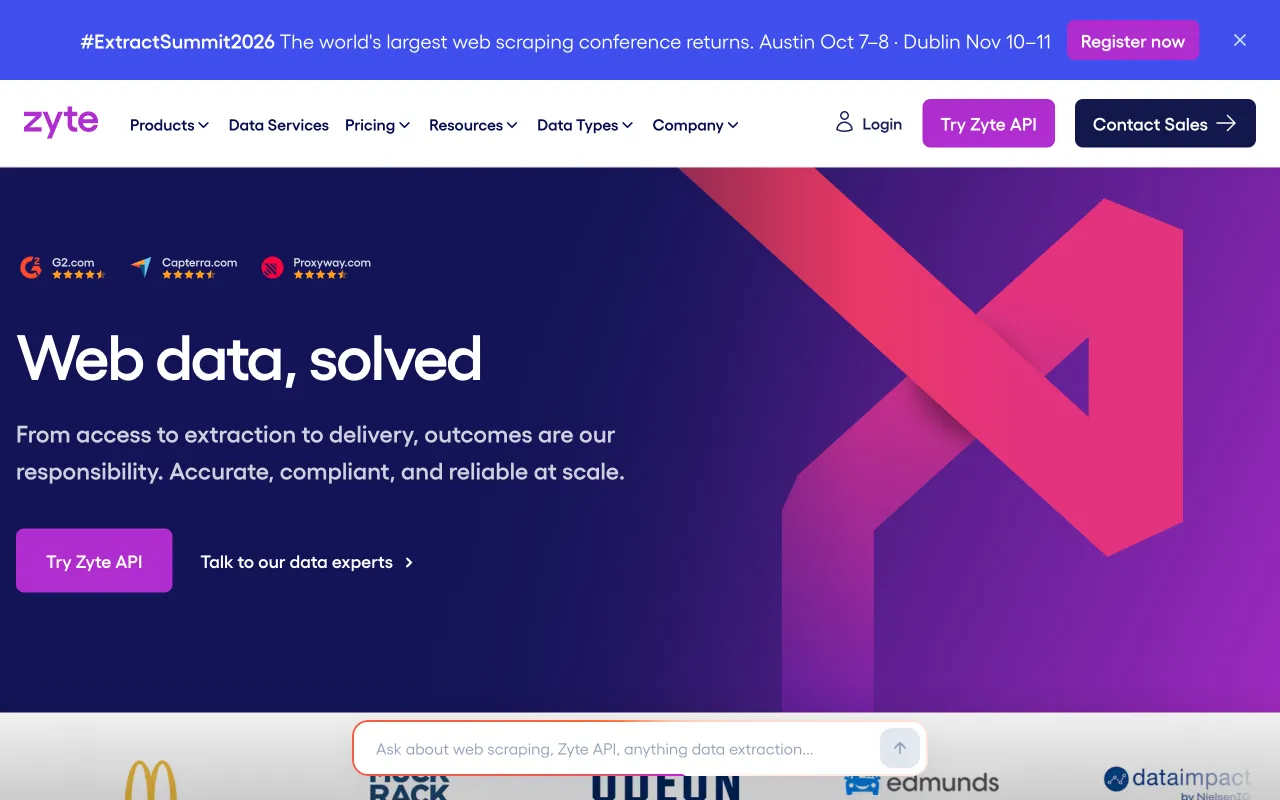
Zyte's homepage reads "Web data, solved" and says outcomes are its responsibility. Zyte API is one API across easy, moderate and hard websites that handles proxies, bans and browsers and uses the simplest access method that works. Zyte Data is a managed service, Scrapy Cloud runs crawlers and Scrapy is an open-source framework. The page lists an MCP server and says you are billed on success for Zyte API.
Best for
- A mixed list of sites where some block scrapers.
- Teams that already use Scrapy.
Strengths
- Billed on success, per its homepage.
- The same vendor offers a managed service if you would rather not run it.
Limits
- The homepage shows no pricing details, no rate limits and no quotas.
- It is a page-fetching API, not a marketplace of site-specific Actors.
Does not fit a team that wants to browse ready-made scrapers.
5. ScrapingBee, best for a plain scraping API with a free trial
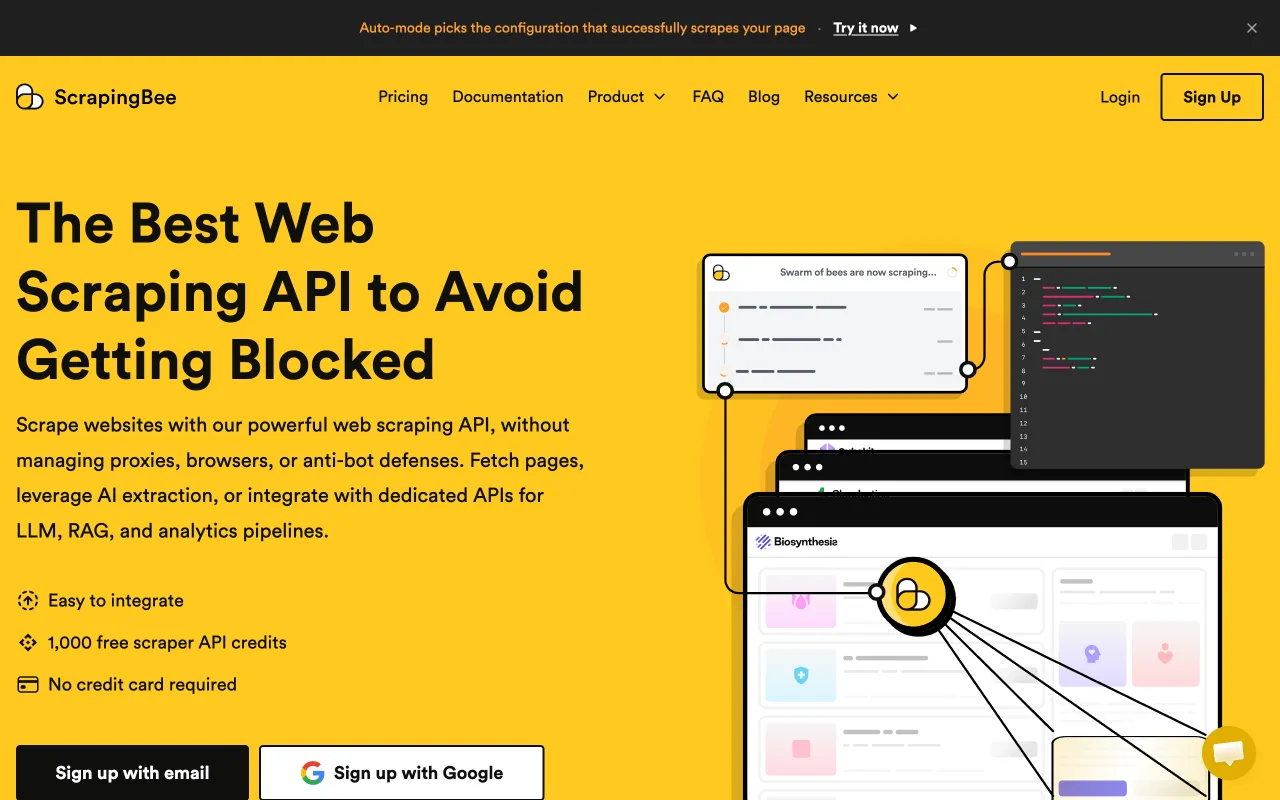
ScrapingBee is a hosted scraping API that handles browsers, proxies and anti-bot defenses. Its page lists an HTML API with JavaScript rendering, screenshots and CSS or XPath extraction, an AI web scraping option that returns structured JSON, a markdown scraper and dedicated APIs for several large sites. It lists a command-line tool, an MCP server and connectors for n8n, Make and Zapier.
Best for
- A scraping call that returns HTML, markdown or JSON from a plain request.
- Trying it first, since the page lists a free trial with no credit card.
Strengths
- Only successful requests are charged, per its page.
- Dedicated endpoints for large sites.
Limits
- Billing is by subscription tier with an allotment of credits, and features such as JavaScript rendering cost more credits per request.
- Higher concurrency needs a custom plan, per the page.
Does not fit a team that wants strictly pay-as-you-go with no plan. See the ScrapingBee comparison for a catalog-based view.
What Apify does well, so you can weigh the switch
Apify's page describes Actors as serverless programs that take JSON input and return structured output. Most are built, priced and maintained by independent creators. Per its MCP docs, an agent can search Actors, read an Actor's pricing and run one, and the account is free to create with no credit card. If a maintained Actor exists for your site, that is hard to beat. The limits to weigh are that each Actor sets its own price and input, and that running an Actor over MCP waits up to 45 seconds and returns a run status, so the output is a second call. The Apify page on looot shows the one operation looot calls.
How to choose
What do you scrape?
A named platform with a maintained Actor points to Apify. Pages that go into a model point to Firecrawl. Hard sites with blocking point to Zyte or Bright Data. A simple fetch with a trial points to ScrapingBee. The data and API tools post covers how an agent picks among providers.
How do you want to pay?
Billing on success suits Zyte. A subscription with credits suits steady volume on ScrapingBee. A prepaid balance across vendors suits looot. What 1,000 lookups cost shows how the arithmetic differs.
Do you want to compare vendors first?
Ask the agent to list every scraping operation and its price, then run one URL through two. That is the fastest way to find out which vendor works on your sites.
| Your need | Pick | Why |
|---|---|---|
| A maintained scraper for one platform | Apify | Marketplace of Actors |
| Clean markdown for a model | Firecrawl | Scrape and crawl return markdown or JSON |
| Datasets and large platforms | Bright Data | Dataset Marketplace and scraper APIs |
| A mixed list with blocking | Zyte | One API, billed on success |
| A plain scraping API with a trial | ScrapingBee | Free trial, subscription tiers |
| Compare several before paying | looot | One balance, price quoted first |
How to run this with an agent
- Connect your agent to looot once with the setup line in the prompt below.
- Give it three URLs from your real list, including one that blocks scrapers.
- Ask it to list the scraping operations with their prices before it runs any.
- Run all three URLs through the cheapest operation and through one other.
- Keep the vendor that returned all three, then widen the list.
Prompt for your agent
Compare two scrapers on the same URL
What this post does not cover
It compares five alternatives by what their public pages say. It does not measure success rate on any site, speed or the quality of the output, and it does not cover proxy-only vendors or no-code scraping apps. A recurring crawl needs scheduled runs, which looot does not offer yet, so run it by hand.
Last checked 2026-10-12 against each vendor's public page, the Bright Data MCP README and the public looot catalog at https://api.looot.ai/v1/public-catalog. Author: the looot team.
Questions
Keep reading
AI agent tools: the data and APIs an agent needs
The AI agent tools that matter most fetch real data. A plain map of the jobs agents call tools for, and how to connect them without a dozen keys.
The looot team · · 7 min read
MCP gateway: what it does and when an agent needs one
An MCP gateway puts many tools behind one connection, one login and one bill. How it works, when you need one, and what looot's gateway does.
The looot team · · 7 min read
What 1,000 lookups cost: reading the looot catalog
How to work out the cost of 1,000 lookups from the live looot catalog, and why the cheapest provider is chosen per call instead of once per project.
Luisa · · 4 min read
Try it with the agent you already use
Start your workspace, top up, and paste one prompt into your agent.